- Find the best alternative to Receiptify
- Take a deep dive into your Spotify listening habits
- Share your results and compare your tastes with friends
- Also, check out our Receiptify review here
You may have heard the name Receiptify being passed around a lot recently. It became extremely popular for those wanting a fun insight into their Spotify listening habits. By logging into Receiptify, you allow the platform to link to your Spotify account, analyze your listening data, and present your favorite artists and songs in a receipt format.
We’ve compiled a complete guide to Receiptify right here.
If you’ve given it a go and are wondering what other similar platforms are out there, or maybe you’re just looking for an exciting way to look at your Spotify data, we’ve picked our ten favorites to check out below.
Check Out These 10 Fun Spotify Websites And Apps:
- Obscurify
- Spotify Pie
- Sort Your Music
- Icebergify
- Moodify
- Instafest
- Zodiac Affinity
- Whisperify
- MusicTaste.Space
- Run BPM
1. Obscurify
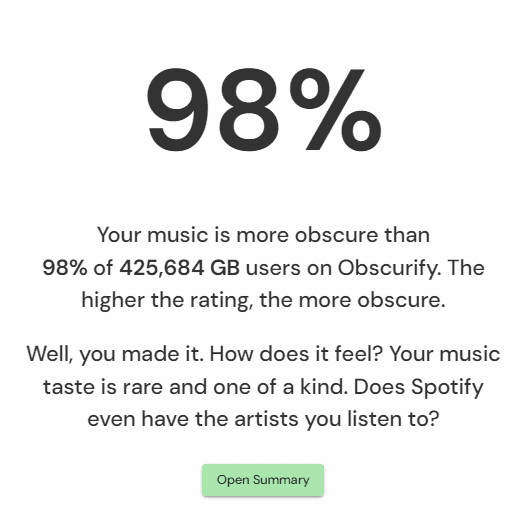
Obscurify is a fun way of getting to grips with how unusual your music tastes are. The core purpose of Obscurify is to analyze your Spotify history and tell you how obscure, unusual, and unique your music tastes are.
Aside from just telling you how weird your tastes are, you’ll also be able to see how you compare to other Spotify users in your country, check out a bunch of recommended artists that Obscurify will recommend based on your tastes, and share your results with friends.

If you want to dig deeper, you can see a breakdown of your favorite genres by mood (whether that’s energetic through to sad), and you’ll also be able to see the decades your music taste spans across.
2. Spotify Pie
Spotify Pie is an excellent option for anyone who loves a visual display of their stats! As you may have guessed from the name, this site will analyze and present your Spotify data in a pie chart form.
The pie chart is based on specific color-coded genres, allowing you to view your top artists of that style by hovering over the pie segment.

To make things even more attractive, you’ll also get a list of your top artists in descending order (with the most listened to conveniently in the largest font).
3. Sort Your Music
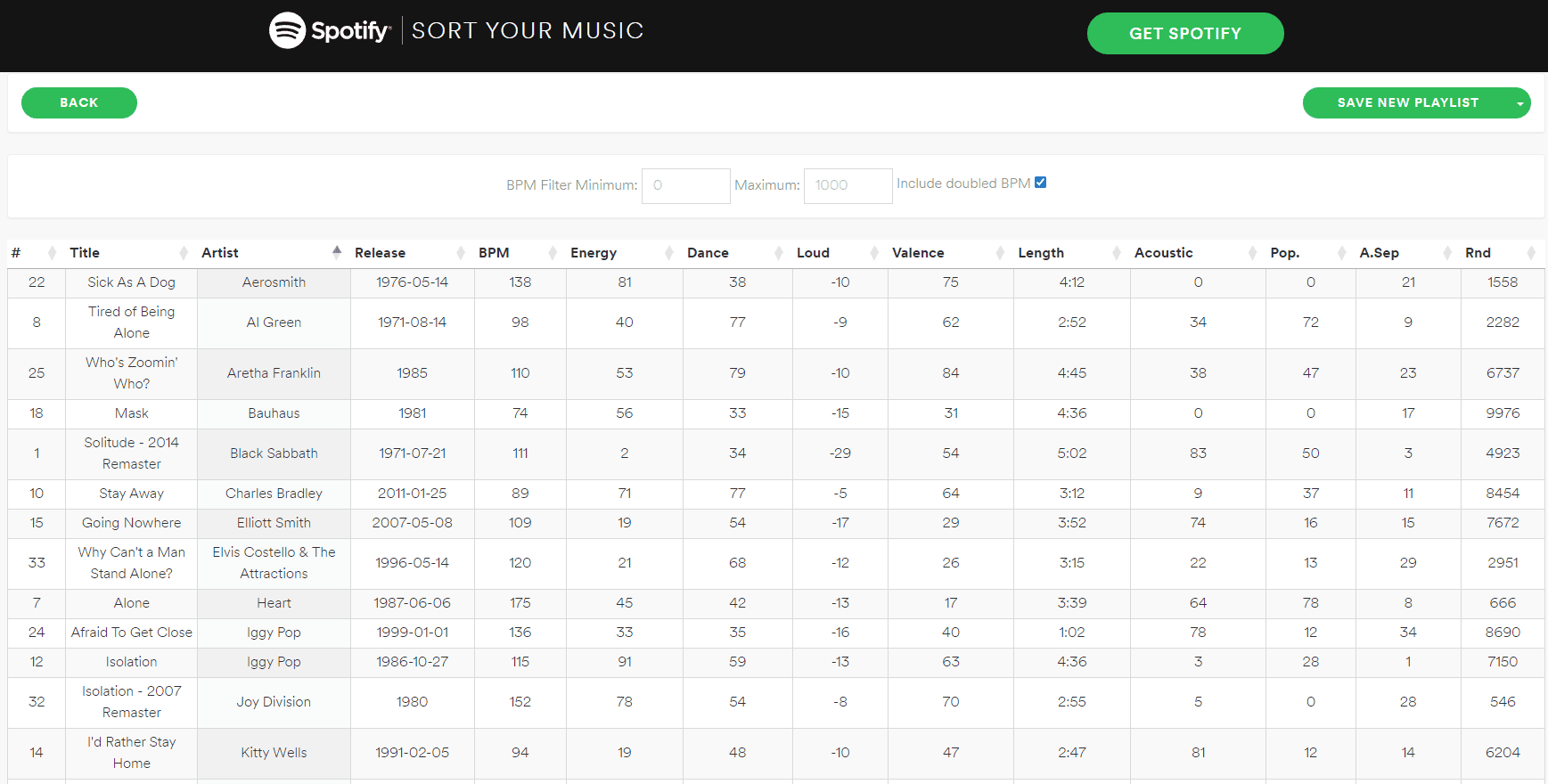
Sort Your Music is a platform you’ll enjoy if you love a good ol’ fashioned playlist. Solely based on accessing your Spotify playlists, it will allow you to see the songs you have saved in a list and then sort them by various criteria. Imagine your Spotify playlists but with spreadsheet functionality.
There are a ton of options here. You can re-order your playlists by tempo, loudness, track length, energy, and how ‘acoustic’ the song is. Interestingly, each track is assigned a numerical value, meaning if you want to create a shuffled playlist, it will do so in truly random order. You’ll even have the ability to filter by a BPM range.
Once you’ve re-ordered your playlist, you can overwrite your existing one or create a new one instantly. This is a fun way to personalize your playlists, for example, starting with a slow tempo and working your way up to a faster pace.
4. Icebergify

You probably know the phrase ‘the tip of the iceberg.’ Icebergify has translated that into a Spotify analyzing platform that converts your listening history into an actual iceberg graphic.
On the iceberg are your favorite artists, with the most listened to being at the top, working its way down to the least listened to at the bottom. You can view your iceberg based on recent listening habits or opt for your all-time top artists (the latter will usually show much more).
5. Moodify
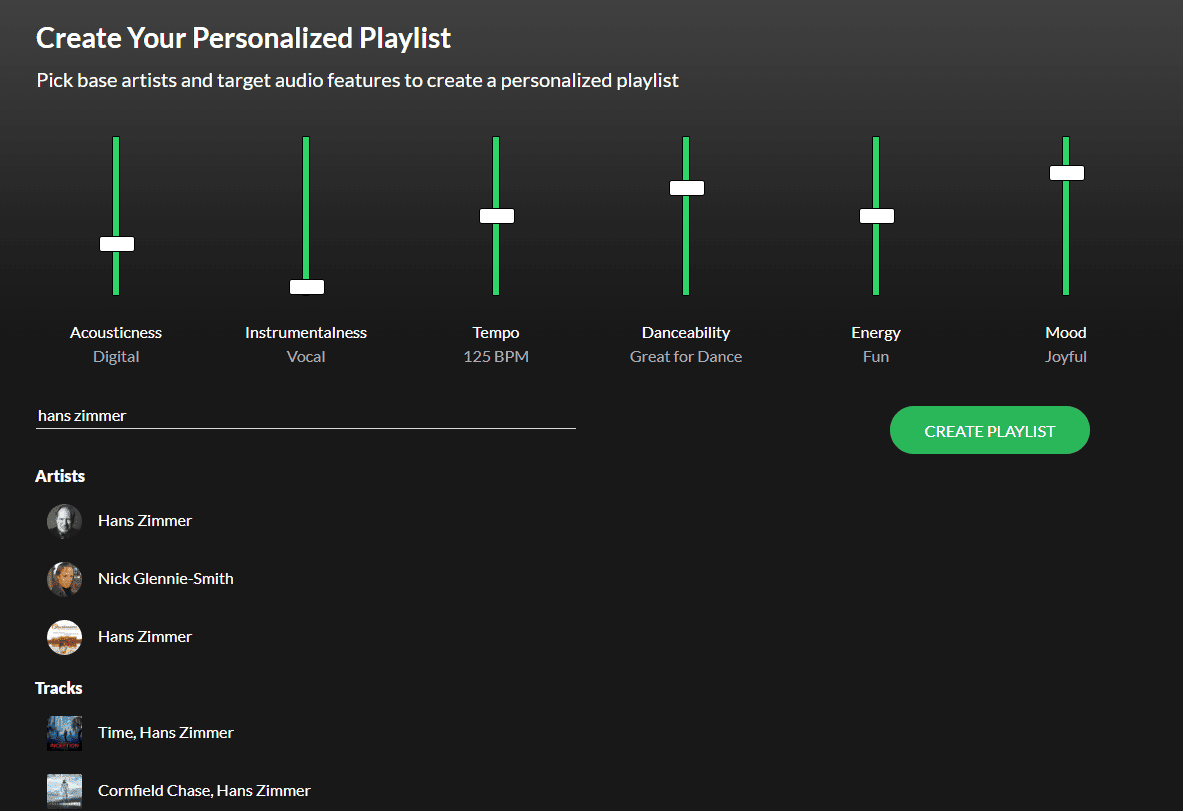
Moodify is a hugely customizable way of building new playlists. It can take much time to trawl through endless albums and manually find tracks you want on your list.
Moodify allows you to automatically generate a playlist based on several criteria, such as acoustics, energy, tempo, and mood. The interface has actual sliders you can raise and lower based on the importance of each criterion, and you’ll also be able to target artists to create a similar playlist.
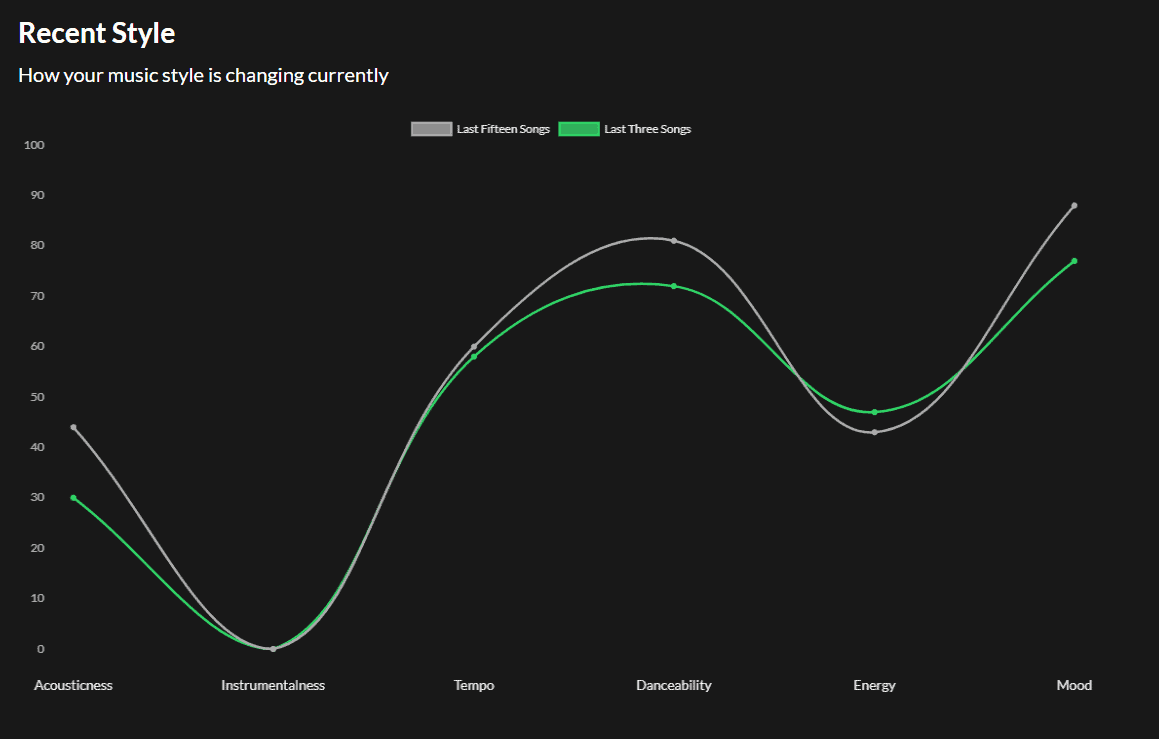
If you’re unsure where to start, there’s a handy graph to show a report of all Moodify’s criteria versus what you listened to recently, and you can jump quickly into your most listened tracks at the bottom of the page as well.
6. Instafest

If you’re like me and love scanning old festival lineups to reminisce about bands you saw years ago, this one is for you. Instafest will take your Spotify history and turn your most listened-to bands and artists into a festival lineup-style poster.
What’s cool about Instafest is you can customize your poster and change its format if you want to share it with others. You can show your top artists from the last four weeks, six months, and all time and switch up the poster’s color and design.
You can also create a custom name for the festival, hide your username on the poster, and see your ‘basic score,’ which reflects how unusual your taste is. The higher the score, the more unique your music habits are!
7. Zodiac Affinity
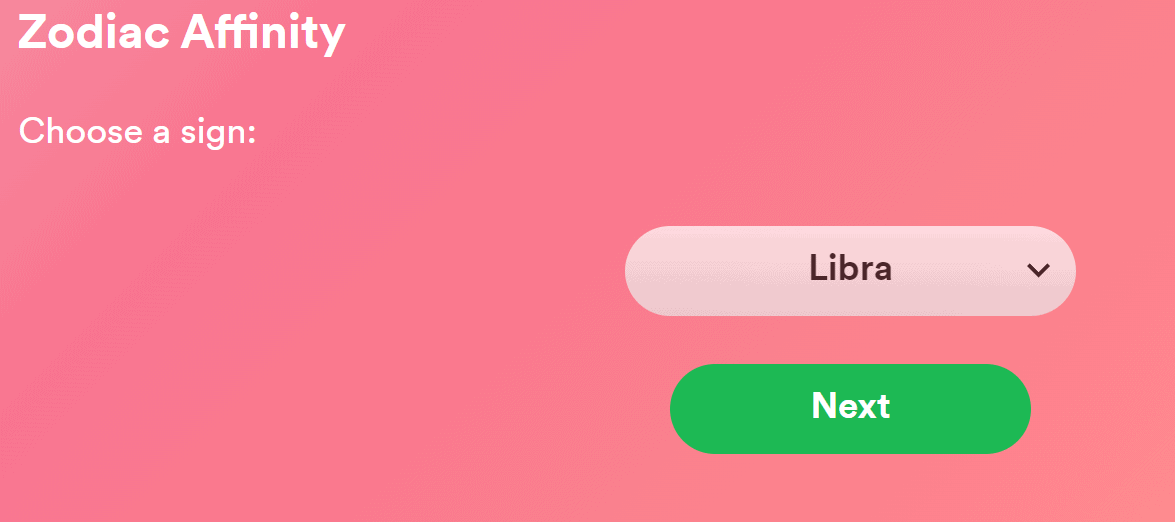
Zodiac Affinity is the most unusual entry on this list. You’ll need to log into Spotify via their site and then be prompted to enter your star sign. From here, Zodiac Affinity will recommend 5 of your liked songs to check out based on your star sign.
How does Zodiac Affinity calculate this? I’m not entirely sure, but it’s a fun way of generating some of your favorite tracks to check out.
8. Whisperify
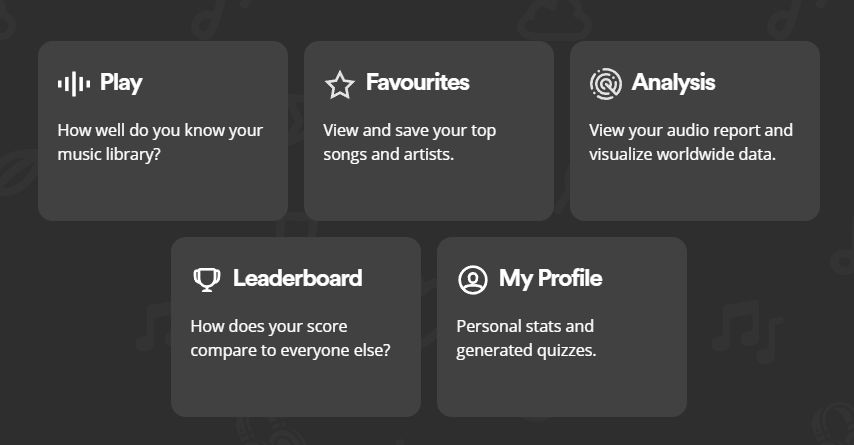
Whisperify is a fun site if you’re into music trivia. More specifically, trivia about the bands and artists you love. Logging in will give you several options and is enough to keep you busy for a long time.
‘Play’ will quiz you based on your music history, giving you a snippet of a song you need to search for and then try to answer correctly. You can check out your favorite songs and artists and even take a short quiz to determine how your music tastes compared to others based on 16 Meyer’s Briggs personality traits. Deep.
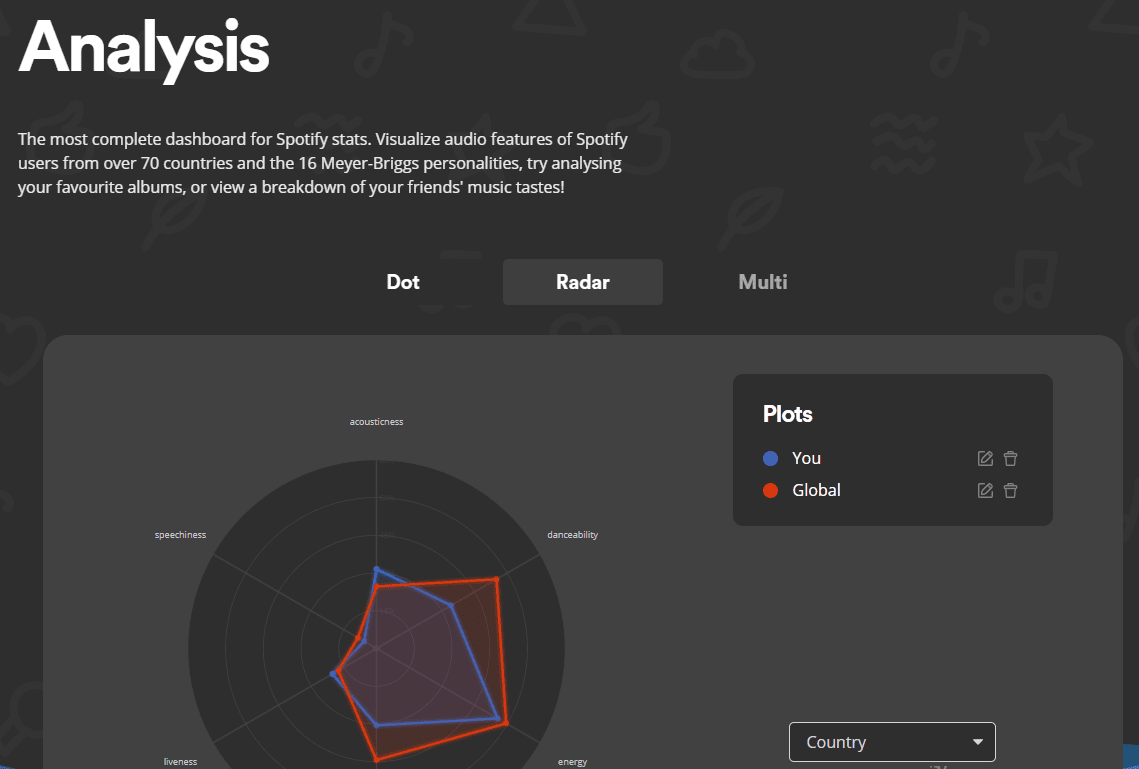
While many entries on this list are a fun way of checking out your music data, Whisperify is an exciting platform that takes an in-depth look at you as a listener.
9. MusicTaste.Space
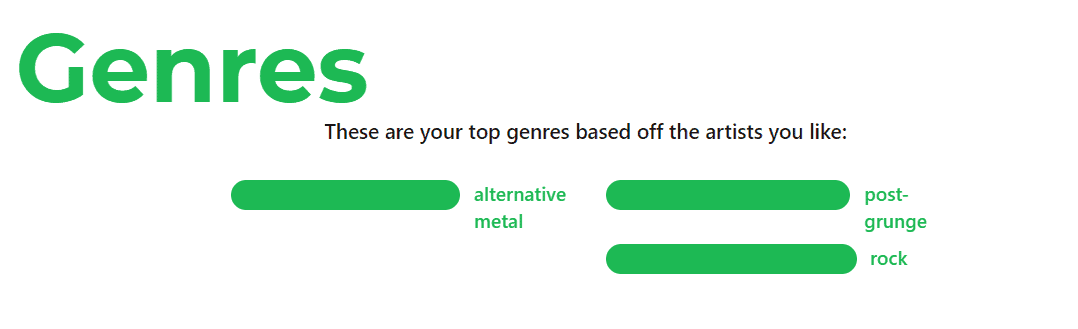
MusicTaste.Space thoroughly analyzes your listening history and showcases it in easy-to-digest subcategories. This ranges from ‘mood’ to ‘acousticness’; interestingly, it even links with Obscurify’s algorithm to show you your Obscurify score. There’s even a lockdown playlist that will show you your favorite music from the pandemic period.
One of the unique aspects of the site is the ability to share and compare your results with others. MusicTaste.Space will give you a personalized code that you can give to friends or family who can then access your information, while you can do the same if they give you their code. If you don’t want to do this with a stranger or share your results online, you can opt out of showing your name and profile photo for a completely anonymous experience.
10. Run BPM
If you’re a running enthusiast, you’ll quickly become obsessed with Run BPM, designed to give you a curated playlist to accompany your workout perfectly.
Connect to your Spotify account to match your playlists and songs to your pace. Run BPM explains that runners perform best when the BPM of their music matches their cadence, so aside from generating a killer playlist, the platform may even enhance your performance!
Start by uploading a playlist of your choice, and you’ll see a list of customizable options.
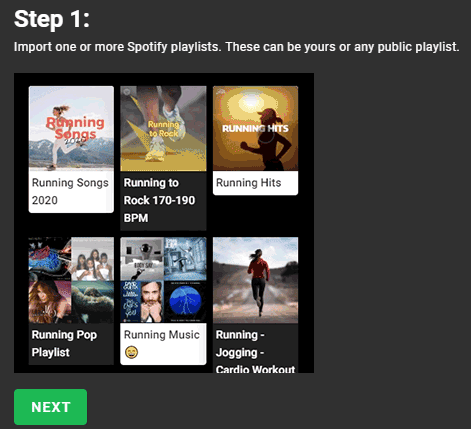
From here, you can filter by BPM and other attributes such as danceability and energy. That’s all you need to do. Run BPM will create a playlist based on your choices to give you the perfect collection of workout tracks.
Is It Safe To Use A 3rd Party With Spotify?
As with anything online, it’s always worth being cautious about linking anything to your Spotify account. You will likely be safe, but if you have any reservations, it pays to research first.
Each entry on our list advises that they stick to the highest security measures, will only use your information to gather your Spotify data, and won’t handle any sensitive or financial information.
If you want to unlink any of these apps from your Spotify, you can do so anytime.
How Do I Revoke 3rd Party Access To My Spotify?
Revoking any of these platforms from your Spotify account is easy to do. Just follow these steps:
- Open your Spotify app
- Click on ‘Account’ in the top right to be taken to Spotify in-browser
- Click on ‘Profile,’ then click ‘Account.‘
- Find the app you wish to remove and hit ‘Remove Access
If you wish to use any of these services in the future, you can log in via their website and gain access.
Before you go, check out our post on the 7 Best Music Streaming Services!