

- Learn how to live stream on Twitch using the iRig with minimal cost
- The same setup works across all social media platforms, just swap the Twitch mobile app with the Facebook/Instagram/Periscope app.
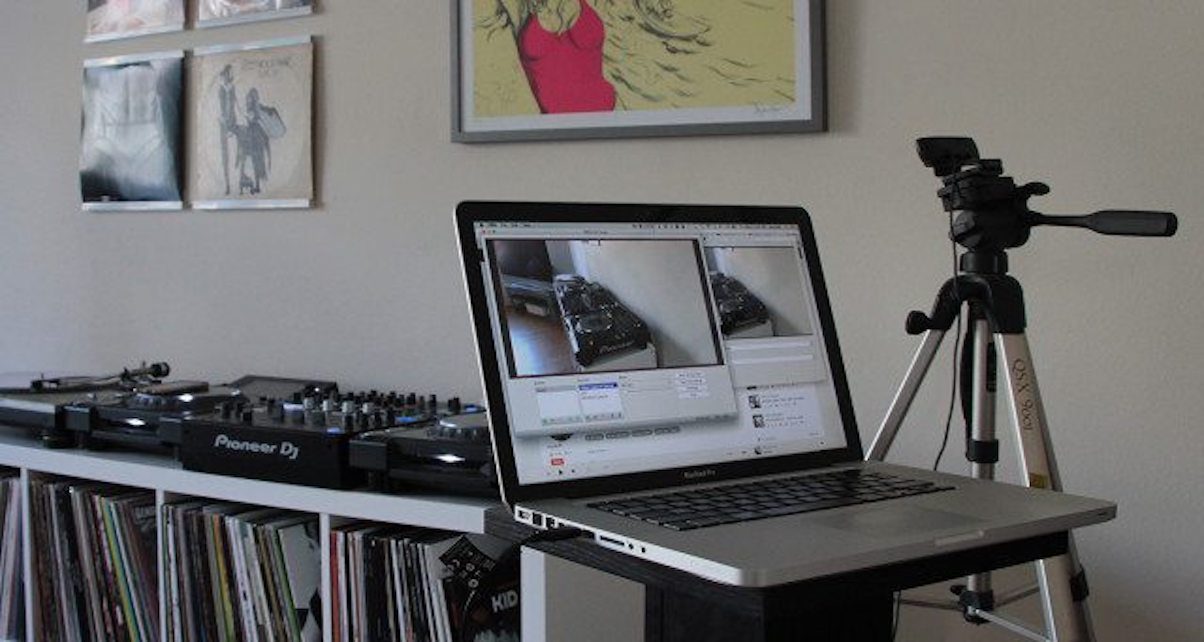
I was bored one weekend and decided that I wanted to try out Twitch to live stream a DJ set. I turned to Google and really struggled to find any quick and easy guides that showed step-by-step, how to actually go about setting up a stream with pro audio quality.
I have an iRig that I bought for under $6 USD that I occasionally use to record guitar noodling into my mobile phone, and it occurred to me that the same device might actually be perfect to bridging line audio from my decks into my mobile phone.
I’ve seen a fair few friends do the occasional live DJ stream on Facebook, but it’s always a let down to hear crummy audio quality captured through the mobile phone’s internal microphone.
In this quick, illustrated guide, I’ll show you how to quickly set up a Twitch/Facebook/Instagram live DJ stream so you can start showing off your skills and tracks online.
How-To: Easily Stream A DJ Set On Twitch Using The iRig (Illustrated Guide)
Here’s What You’ll Need…
1. An iRig / iRig 2

The iRig 2 (check it out here) offers you the additional flexibility of being able to control the volume from the iRig itself, however, it is not necessary. The iRig 1 suffices — and does a perfectly capable job at a much cheaper price point.
The only downside known is that the iRig will sum your output in MONO. A small trade-off for the convenience that mobile streaming allows for.
If you ABSOLUTELY NEED stereo output for your DJ sets, you should probably just use an audio interface — If you’re looking for something affordable, you can compare audio interfaces under $300.
2. An RCA (female) to 1/4 Inch Jack Adapter

These are pretty easy to find across most good hardware stores, or you can pick one up on Amazon here.
2. A standard RCA cable (2 male to 2 male)
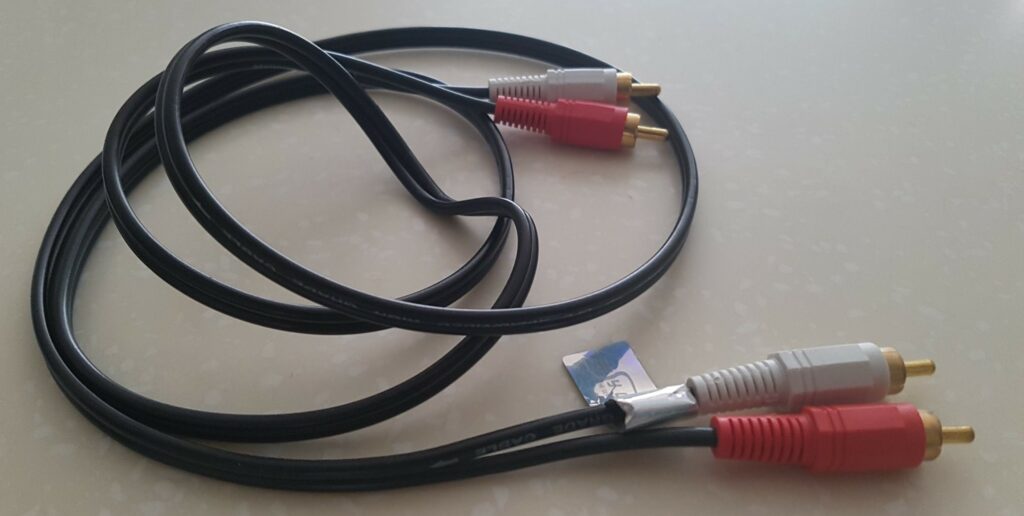
Nothing exciting here. A standard RCA cable, with male jacks. Again, available in all hardware/electronics stores. Or you can pick up one here.
3. A mobile phone holder

A variety of these are available and are necessary if you want to get a nice viewing angle of your stream. Here are a couple of options I recommend that are quite affordable:
4. The Twitch Mobile App
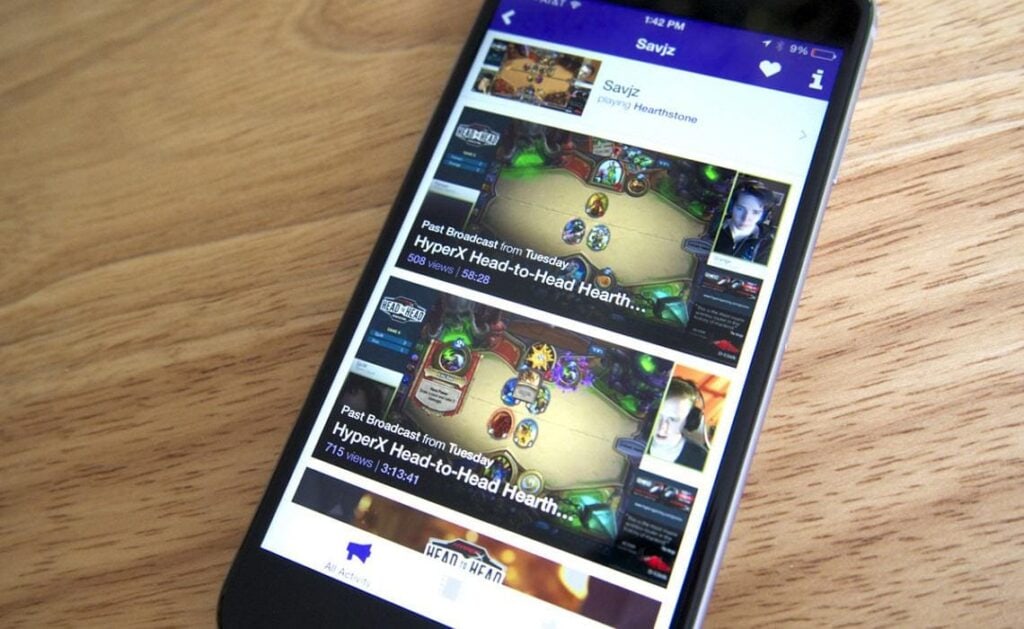
It’s free, and pretty intuitive. You’ll need it on your mobile in order to start broadcasting. You can download it here.
Setting Up The Live DJ Stream On Twitch
Great, you have everything you need. Now let’s put the pieces together.
Step 1: Make The Connections

Connect your RCA cables to the 2nd pair of master outs in your mixer. In my case, I am using the Pioneer XDJ RX2 unit.

Connect the iRig cable to your mobile phone to complete the audio connections.
Step 2: Gain Staging/Setting Your Levels

Aim for all greens to get yourself at a suitable level that is not distorting at the mixer stage. If you need more volume, turn it up from your speakers instead of the mixer’s gain.
Step 3: Set Up Twitch

If you haven’t already, sign up for a Twitch account.
Load up the mobile app on your phone, click on your little photo icon in the top right corner, and hit “Go Live” to set up your stream.
Enter your stream name and category of stream.
Mount your mobile phone into the lazy-arm holder and hit “Start Stream” when you’ve got the perfect angle.
Step 4: Start Mixing!
That’s pretty much it, you’re good to start broadcasting. Have fun!
Need A DJ Mixer? Check out this absolute bargain we found on a Mackie-ONYX1220i
Audio Troubleshooting Guide
Head over to your laptop, load up the stream link and have a listen to it as an audience member to check that everything is in order.
Adjust the audio volume as necessary.
Once you’ve achieved the right volume, you can take a photo of what levels you’ve used on your mixer so you can quickly recall those settings for future streams.
Why You Should Be Streaming On Twitch
Twitch is a platform that has been around for quite some time now, and is only really starting to gain momentum in the past few years.
While streaming on Facebook and Instagram does have its merits, you are limited to new users finding finding out about you.
The data also paints a picture that strongly favors Twitch as the superior platform for content creators in 2019. Have a look at the chart below, taken from Moz, a marketing analytics company.

What Makes Twitch So Appealing To Streamers?
Unlike Facebook or Instagram, Twitch allows you to publically broadcast to an audience of over 15,000,000 daily users (and growing). And if you follow the guide above, you can do it all for under $15 USD (assuming you own a smartphone).
Facebook’s organic reach for business pages (like your DJ page) in 2019 is as low as 2%. What that means is that if you have a page with 100 fans, and are not boosting your content, your videos only stand a chance to reach 2 out of a 100 people.
Isn’t Twitch Just A Platform For Gamers?
While you’re not entirely wrong, the platform is actually home to content creators of all genres, and there are plenty of creatives and musicians who have amassed an impressive following on the platform. Over time, I expect the Twitch platform to become the standard for creative live streaming.

Final Thoughts
If you’re a DJ, producer or musician, it’s important to be in-tune with what platforms make the most sense for you to get eyeballs in front of your content.
Quite understandably, many are hesitant to try out “yet another” social platform as the amount of dedication the other big 3 (Facebook, Twitter, Instagram) take to manage can be overwhelming enough.
That being said, we encourage you to take the initiative to explore up-and-coming platforms to leverage as much coverage as you can. Because in this digital age, attention is the commodity, and you’re competing against billions of eyeballs to have a piece of that pie.
Looking for the best DJ music resources? Check out our article Rounding Up The 7 Best DJ Record Pools.



Or Why not connect with mono jack from booth monitor and have volume control also?
Thank you for this, now that Facebook is banning live mixes DJs need a new streaming home.
Just note that your cable must be a mono summing cable (2 RCA to 1 mono jack) with resistor network, or else it may cause damage to the output amplifier of your mixer. Check out the Why not Wye document by Rane for explanation.
On the comment of booth monitor above by Cenk hassan, yes this is the preferred way of connecting your Irig to your phone. But what if you have an entry level controller like DDJ 400? you will need an RCA splitter from your master, which means the same signal going to the speakers goes to the phone. In this case, the advice of controlling the volume at the speakers is very important. However, for this configuration, the Irig 2 is preferred as it allows you to add more gain on your master volume, as you can reduce the gain again on the Irig 2 itself.
Lastly, headphone jacks are being phased out in phones, so you will need an adapter. In the case of the iPhone, it is important to use the authentic lightning to headphone jack adapter, as some of the generic ones do not work and the phone reverts back to the internal mic.
Happy streaming everyone.
My recordings on Twitch sound tinny as though the bass is filtered out. Other platforms like Facebook or Mixcloud sound fine. Any ideas why that happens and how to fix it? Thanks
What’s the easiest way to connect my ddj400 to irig currently I can’t get sound through the irig into my stream 🤯🤯
Am having the same problem,, Am using ddj flx6